

Hey there! As a supplier of voice-controlled foot lamps, I often get asked about how to pair these nifty devices with voice assistants. It's actually a pretty straightforward process, and I'm here to walk you through it step by step.
First off, let's talk about why you'd want to pair your voice-controlled foot lamp with a voice assistant. Imagine being able to turn your lamp on or off, adjust the brightness, or even change the color—all with just a simple voice command. It's not only super convenient but also adds a touch of modern technology to your living space.
What You'll Need
Before you start the pairing process, make sure you have the following:
- A voice-controlled foot lamp (obviously!).
- A compatible voice assistant device, such as Amazon Echo (with Alexa), Google Home (with Google Assistant), or Apple HomePod (with Siri).
- A stable Wi-Fi connection.
Compatibility Check
Not all voice-controlled foot lamps are compatible with every voice assistant. So, the first thing you need to do is check the compatibility of your lamp with your chosen voice assistant. Most of our voice-controlled foot lamps are designed to be compatible with popular voice assistants like Alexa and Google Assistant. You can usually find this information in the product manual or on the product page on our website.
Step 1: Set Up Your Voice Assistant
If you haven't already, set up your voice assistant device. This typically involves plugging it in, connecting it to your Wi-Fi network, and following the on-screen instructions to complete the setup process. Make sure your voice assistant is working properly and can hear your commands before moving on to the next step.
Step 2: Power On Your Voice-Controlled Foot Lamp
Plug in your voice-controlled foot lamp and turn it on. Some lamps may have a physical switch, while others may turn on automatically when plugged in. Once the lamp is powered on, it should enter pairing mode. This is usually indicated by a blinking light or a specific sound.
Step 3: Add Your Lamp to the Voice Assistant App
Open the app for your voice assistant on your smartphone or tablet. Look for the option to add a new device or connect a smart home device. The exact steps may vary depending on the app, but generally, you'll need to follow these steps:
- Select the option to add a new device.
- Choose the type of device you're adding (in this case, a lamp).
- The app will then search for nearby devices. Make sure your voice-controlled foot lamp is in pairing mode so that it can be detected.
- Once your lamp is detected, follow the on-screen instructions to complete the pairing process. This may involve entering a code or confirming the connection.
Step 4: Test the Connection
Once the pairing process is complete, it's time to test the connection. Try saying a voice command to your voice assistant, such as "Turn on the foot lamp" or "Set the foot lamp to 50% brightness." If everything is working correctly, your lamp should respond to the command.
Troubleshooting Tips
If you're having trouble pairing your voice-controlled foot lamp with your voice assistant, here are some troubleshooting tips:
- Check the Wi-Fi connection: Make sure both your voice assistant device and your lamp are connected to the same Wi-Fi network. A weak or unstable Wi-Fi signal can cause pairing issues.
- Reset the lamp: If the lamp is not being detected by the voice assistant app, try resetting it. This usually involves turning the lamp off and on again, or following the reset instructions in the product manual.
- Update the app: Make sure you're using the latest version of the voice assistant app. Outdated apps may have compatibility issues with your lamp.
- Contact support: If you've tried all the troubleshooting tips and still can't get your lamp to pair with your voice assistant, don't hesitate to contact our support team. We're here to help you resolve any issues you may be having.
Other Voice-Controlled Lighting Options
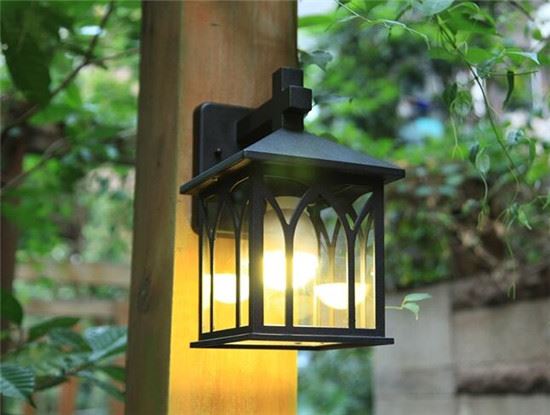
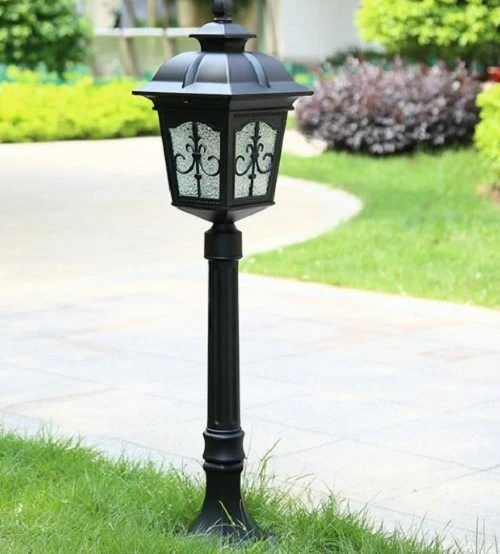
In addition to our voice-controlled foot lamps, we also offer a range of other voice-controlled lighting options, such as Flexible Dimmable Wall Lamp and Energy Saving Landscape-Lamp For Garden. These lamps are also designed to be compatible with popular voice assistants, so you can enjoy the convenience of voice control throughout your home or garden.
Why Choose Our Voice-Controlled Lighting Products
There are several reasons why you should choose our voice-controlled lighting products:
- Quality and reliability: We use high-quality materials and advanced technology to ensure that our lamps are durable and reliable.
- Easy to use: Our lamps are designed to be easy to set up and use, even for those who are not tech-savvy.
- Energy efficiency: Our lamps are energy-efficient, which means you can save money on your electricity bills while still enjoying bright and beautiful lighting.
- Customization options: Many of our lamps offer customization options, such as adjustable brightness and color temperature, so you can create the perfect lighting environment for your needs.
Contact Us for Purchasing
If you're interested in purchasing our voice-controlled foot lamps or other lighting products, we'd love to hear from you. Whether you're a homeowner looking to upgrade your lighting or a business owner in need of commercial lighting solutions, we can help you find the perfect products for your needs. Contact us today to start the purchasing process and bring the convenience of voice control to your life.
References
- Manufacturer's product manuals for voice-controlled foot lamps.
- Documentation provided by voice assistant device manufacturers (Amazon, Google, Apple).


